


For lawyers and legal staff
Dragon Legal 16
Everything in Dragon Professional 16, plus the tools legal documents need.
- Legal language model trained on 400M+ words
- Citations formatted as you speak
- Legal section numbering, such as 10(7)(8)(E)
v16Speech recognition from Nuance, a Microsoft company
The speech recognition software many people still call Dragon NaturallySpeaking, now in editions for business, education, accessibility, legal, and law enforcement. Talk 3 times faster than you type, and run your Windows PC by voice.
Dragon Professional 16
Dragon Professional 16 is the same software for everyone. Pick the page that fits how you will use it to see the right features, pricing, and next step.
 Business
Email, proposals, reports, and CRM notes at the speed you talk, plus voice commands for the work you repeat every week.
 Education
Papers, grading feedback, and research write-ups by voice, with academic pricing for students, faculty, and school staff.
 Accessibility
Full voice control of a Windows PC for people who find a keyboard or mouse painful, tiring, or impossible to use, and for the schools and employers who support them.
In every license
Every edition on this page shares these capabilities. The specialized editions add vocabulary and tools for their profession on top.
Speak naturally into Word, Outlook, Excel, and web pages. Dragon types up to 160 words a minute and adapts to your voice as you go.
Open programs, click buttons and links, switch windows, and place the pointer with MouseGrid across up to three monitors.
Add names, acronyms, and terms of art one at a time or as an imported word list, so Dragon spells them right every time.
Auto-text turns a short phrase into a full paragraph or fill-in template. The Macro Recorder replays clicks and keystrokes on command.
Dictate into a recorder away from the desk and let Dragon transcribe the file later. Built for one speaker at a time.
Not sure what to say? Dragon lists the commands that work in the program you have open, so nobody has to memorize anything up front.
Specialized editions
Two desktop editions start with everything in Dragon Professional 16 and add the vocabulary and features their professions rely on.
For lawyers and legal staff
Everything in Dragon Professional 16, plus the tools legal documents need.
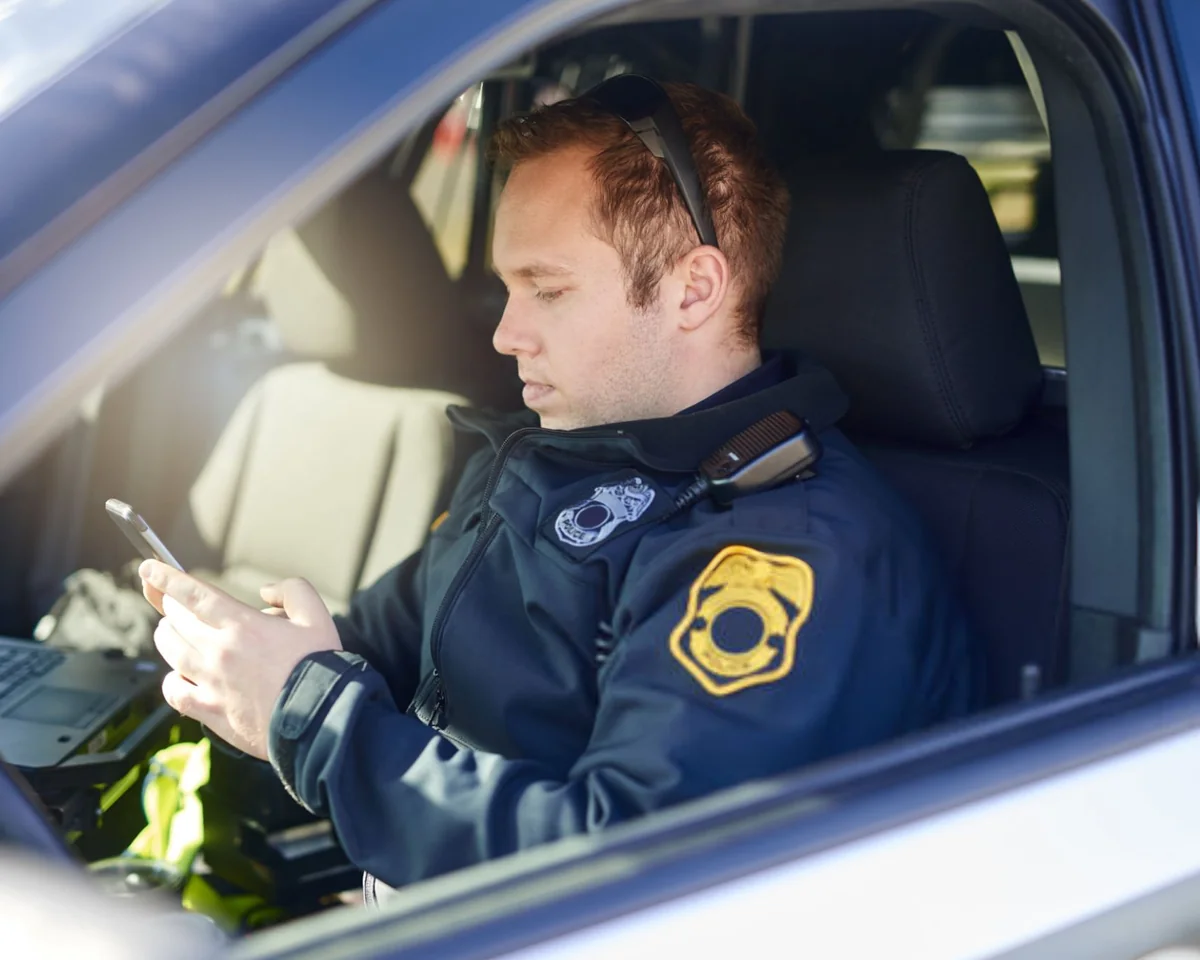
For police departments and sheriff offices
Everything in Dragon Professional 16, plus tools built for police reporting.
For healthcare
Clinical documentation has its own Dragon solutions, built for medical vocabulary and EHR workflows rather than the desktop editions above.

Cloud speech recognition for clinicians
Dictate clinical documentation directly into the EHR, with medical vocabulary built for healthcare.

AI clinical documentation
Combines ambiently captured documentation, coding suggestions, and integrated clinical intelligence so care teams can document faster and focus on the patient.
Quick guide
Start from the work you do most. Still not sure? A 15-minute call with a Dragon specialist will point you to the right product and license.
Schedule a Consultation"Dragon v16 is the best Dragon yet, with even more functionality built in for those with accessibility requirements."
Both Anywhere products have been discontinued. Dragon Professional 16 and Dragon Legal 16 are the current Dragon products for professionals and legal teams.
FAQ
Need help choosing?
Talk to a Dragon specialist about editions, upgrades, and licensing for one person or a whole organization.
Schedule a ConsultationDragon Professional 16 is desktop speech recognition software for Windows 10 and 11, developed by Nuance, a Microsoft company. It turns speech into text up to 3 times faster than typing, controls your PC by voice, automates repetitive work with custom commands, and transcribes recordings from a single speaker.
Dragon Professional 16 is the current professional edition of the desktop speech recognition line many people still know as Dragon NaturallySpeaking. It builds on 25 years of Nuance speech recognition development.
For everyday professional work, choose Dragon Professional 16. Students and educators can buy it at academic pricing, and people who need hands-free computer use should start with our accessibility page. Legal professionals should choose Dragon Legal 16, police agencies Dragon Law Enforcement 16, and clinicians Dragon Medical One or Microsoft Dragon Copilot.
Schedule a ConsultationBoth Anywhere products have been discontinued. Dragon Professional 16 and Dragon Legal 16 are the current Dragon products for professionals and legal teams. If you are moving from an Anywhere product, a consultation can help you plan the switch.
Schedule a ConsultationNo. The academic and accessibility pages offer the same Dragon Professional 16 software. Academic pricing is available to students, teachers, and staff with an academic email address or proof of enrollment or employment.
No. Dragon Professional 16, Dragon Legal 16, and Dragon Law Enforcement 16 run on Windows 10 and Windows 11 only. There is no Mac version.
Installing Dragon 16 upgrades Dragon 13, 14, and 15 automatically and keeps your custom words and commands. Upgrade license eligibility depends on what you own, so confirm it with us before buying.
Schedule a ConsultationYes. Volume licensing is available for teams, schools, firms, and agencies. Schedule a consultation to plan quantities and rollout.
Schedule a ConsultationBuy Dragon Professional 16 for Windows today, or talk to us about the right edition and license for your team.