Dragon Law Enforcement 16: police reports by voice
Your time saves lives. Dragon saves your time. Officers speak incident reports into RMS and CAD 3 times faster than typing, run plates and VINs by voice while parked, and get back on patrol with their heads up.
Watertown PD turnaround45 minDown from a day and a half
The paperwork problem
Every hour on a report is an hour off the street
Officers join to protect their communities, not to type. Yet incident reports, supplements, and RMS entries keep them parked in a lot or tied to a station desk, heads down and out of sight. In a 2019 Nuance survey of law enforcement professionals:
56%spend three hours or more on reports and paperwork every shift
71%spend an hour or more in the patrol vehicle completing incident reports
86%are concerned that in-car documentation affects their safety
Why reporting is one of the biggest drains on police time, and how speech recognition changes it.
Why agencies choose Dragon
Safer officers, faster reports, stronger cases
Results reported by police departments and sheriff's offices that moved report writing to voice.
Safety
Heads up, eyes on the street
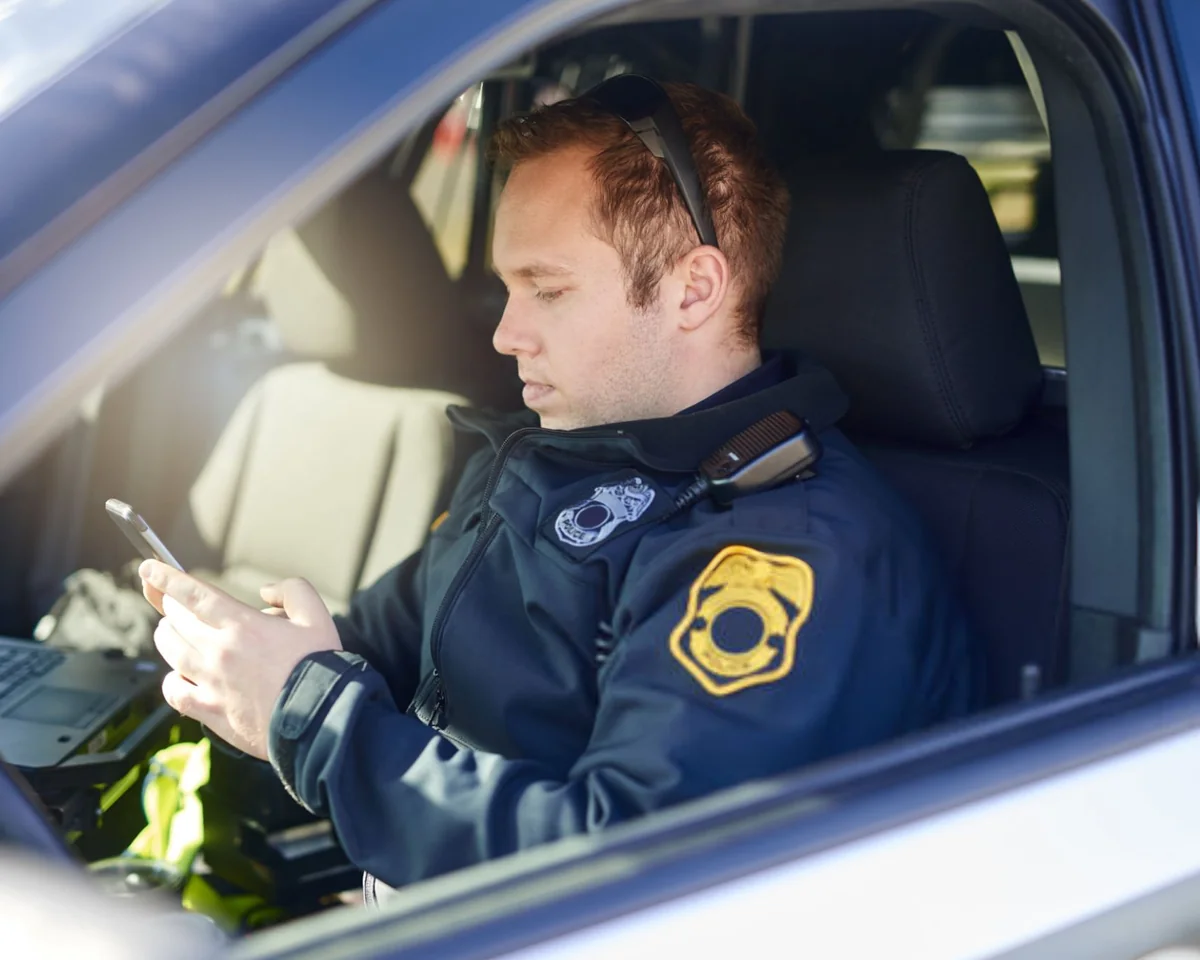
Typing a report in a parked cruiser means looking down every few seconds. Speaking it keeps the officer looking out the windshield and aware of who is approaching.
85%of Ogden PD officers said they feel safer using Dragon
"When officers speak into a microphone, their heads stay up. They have a full view of their surroundings. It makes things much safer."
Dave MacNeilDetective, Watertown (MA) Police Department
Time
Hours back on every shift
Reports finished in the field means less overtime at the station, fewer late-night call-ins for records staff, and more patrol time in the community.
1-2 hrssaved per shift by most of the Boulder County pilot group
"Every single member of the pilot program told us that Dragon was helping them complete reports faster."
Mike WagnerDivision Chief, Boulder County (CO) Sheriff's Office
Report quality
Narratives that hold up months later
When talking is faster than typing, officers include the detail they would otherwise skip. That detail matters when the report reaches a prosecutor, or the officer reaches the witness stand.
4 of 5troopers at a large Midwestern state police department wrote more detailed reports
"There used to be the old joke that the report could be six words long ... but now we're getting reports that are very in-depth and descriptive."
Paul WilliamsCaptain, San Bernardino (CA) Police Department
Only in Dragon Law Enforcement
Run plates and VINs by voice, eyes on the vehicle
Plate mode is built for the most common lookup an officer does. While parked, say the plate in the phonetic alphabet and the characters land in your agency's lookup software, with no keyboard and no looking down.
Works for license plates and VINs, up to 17 characters in one breath
NATO phonetic alphabet by default, or switch your site to the alphabet your agency uses
Fix a character with "Backspace," or clear the entry with "Scratch that"
An administrator can build a custom command that opens your plate lookup software and submits the query
Plate mode types into the field that has the cursor. The lookup itself runs in your agency's existing software.
1
Say "Enter plate"Dragon switches to Plate mode
2
Say "Alpha Bravo Charlie 1234"ABC1234 is typed into the lookup field
3
Say "End plate"Back to normal dictation
Plate lookupABC1234
"Our officers can simply speak plate details and within seconds, plate registration and ownership details are on the screen. Once our officers used it, they didn't want to give it up."
Joseph SolomonChief, Methuen (MA) Police Department, 2017
Built for police work
Speech recognition that speaks police
Dragon Law Enforcement 16 includes everything in Dragon Professional 16, plus a language model and tools made for patrol cars, squad rooms, and records units.
Police vocabulary built in
A law enforcement language model knows vehicle makes and models, U.S. states, Canadian and Mexican provinces, and the exact language a report sometimes has to quote word for word. Add your street names, officer names, and agency acronyms on top.
Say "Spell that"
RMS, CAD, and report forms
Dictate anywhere you would normally type, including your existing RMS, CAD, and Word templates. Move through report fields by voice, and use the Dictation Box for screens that need it.
Say "Show Dictation Box"
Templates and boilerplate on command
Turn report introductions, rights language, and search-warrant text into short voice commands with fill-in fields, so standard language comes out the same every time.
Say "Next field"
Transcription of recorded dictation
Officers dictate into a recorder, and Dragon transcribes the file back at the PC. The Auto Transcribe Folder Agent works through a whole folder at once. Built for one speaker, such as the officer, or a single witness giving a statement.
Say "Play that back"
Dictate without a signal
Dragon Law Enforcement 16 is installed on the computer, so officers can dictate in areas without cell or data coverage. Internet is only needed for download, activation, and moving a voice profile to another PC.
Ready for your fleet and network
Runs on Windows 10 and 11 desktops and in-car computers, and deploys on Citrix XenApp and XenDesktop. Voice profiles follow officers from one car or PC to the next when they sign in.
Say "List all windows"
See it in a real department
Watch a police chief dictate a report
Jeffrey Beahen, then Chief of Police for the City of Rogers Police Department in Minnesota, shows how his department creates incident reports and other documents by voice, moving from field to field in a report template without touching the keyboard.
"Seeing content on the screen as they dictate is helping the officers produce more thorough and accurate reports. They're able to review, edit and fill in missing details as they go, which makes a big difference."
Jeffrey BeahenChief of Police, Rogers (MN) Police Department
Across the agency
From the patrol car to the records unit
One license covers every role. Pick yours to see where the time comes back.
For patrol officers and deputies
Clear the report queue before end of shift
Finding a quiet lot to type for an hour is time off the street and a predictable spot to be found. With Dragon, officers dictate the narrative while parked, run plates by voice, and go back in service sooner.
Dictate incident narratives into RMS while parked, then review them on screen
Run plates and VINs by voice with Plate mode
Speak street names, makes and models, and local terms without spelling them
Dictate the details while the call is still fresh, not hours later
"But using Dragon, they no longer need to make that stop, and they're at a lower risk of ambush."
Michael BooneLieutenant (retired), Ogden (UT) Police Department
For detectives and investigators
Long narratives and warrants, without the backlog
Investigations run on long, precise writing. Standard warrant language and report sections become voice commands, so detectives spend their time on the facts of the case instead of the formatting.
Call up search warrant and report templates by voice
Keep boilerplate language identical across every case file
Dictate supplemental reports and case notes at the desk
Transcribe a single witness statement from a recording
"We no longer receive reports where a detective guessed on the verbiage in a search warrant, inserted the wrong information, then had his report kicked back."
Dave MacNeilDetective, Watertown (MA) Police Department
For chiefs, sheriffs, and command staff
More street time without more headcount
Overtime, report turnaround, officer safety, and recruiting all come back to how long paperwork takes. Dragon gives every officer back part of each shift, and a pilot shows the result before a full rollout.
Cut report-writing overtime and outsourced transcription
Faster turnaround to prosecutors and charging deadlines
Start with a pilot group, then scale across patrol, detectives, and records
"In my experience, it's often easier to secure funding for new technology than for extra officers on the street. And, in effect, that's exactly what Dragon speech recognition technology gives us."
Mike WagnerDivision Chief, Boulder County (CO) Sheriff's Office
For records, admin, and transcription staff
Correct a draft instead of keying it from scratch
When officers dictate into a recorder, Dragon turns the file into text and staff review it instead of typing every word. When officers write their own reports by voice, the weekend transcription pile goes away.
Batch-transcribe recorded dictation with the Auto Transcribe Folder Agent
Fewer after-hours and weekend call-ins to meet filing deadlines
Dictate correspondence, memos, and email at the desk
Share custom words and commands with everyone using Dragon
"By cutting transcription out of the process, we now have all our reports packaged and submitted by 8:15 on Monday morning."
Jeffrey BeahenChief of Police, Rogers (MN) Police Department
Build the budget case
How much patrol time could your agency get back?
Estimate the officer hours your department spends typing reports, and what dictating them would return to the street.
Estimate only. It assumes dictation is 3 times faster than typing for the time spent typing, across 200 shifts a year. Actual results depend on the person and the work.
Estimated time back each year
4,000hours
Per officer
200 hrs
10-hour shifts back on patrol
400
Value of that time
$240,000
In their words
What departments say about Dragon
"We researched our options and decided that Dragon for law enforcement from Nuance was the only viable utility. Nothing else had the level of functionality and customization we needed to support the practical realities of day-to-day law enforcement."
Mike WagnerDivision Chief, Boulder County (CO) Sheriff's Office
"One of the biggest impacts on our turnaround time is that our officers can quickly create final reports themselves, which saves our department from significant overtime costs."
Dave MacNeilDetective, Watertown (MA) Police Department
"Dragon allows officers to quickly dictate reports while safely maintaining their situational awareness in their patrol cars."
Greg KatzLieutenant, Billerica (MA) Police Department
Quotes and results describe Dragon speech recognition at each agency, including earlier Dragon Law Enforcement versions. Titles are as of the original source.
Free consultation
Plan your agency's rollout with a Dragon specialist
Most departments start with a short call. We confirm what you need and send a quote your purchasing office can use. On the call, we cover:
License quantities and volume licensing for your agency
Quotes for government purchasing and budget requests
Planning a pilot group before a full rollout
Deployment on in-car computers, desktops, and Citrix
Choosing noise-cancelling microphones and headsets
What is the difference between Dragon Law Enforcement 16 and Dragon Professional 16?
Dragon Law Enforcement 16 includes everything in Dragon Professional 16 and adds a law enforcement language model (vehicle makes and models, U.S. states, and Canadian and Mexican provinces) plus Plate mode for dictating license plates and VINs with the phonetic alphabet.
Dragon dictates anywhere officers would normally type and fills in form fields by voice, using "Next field" and "Previous field" to move through a report. For screens that need it, the Dictation Box lets officers dictate first and transfer the text. A consultation is the best way to confirm your specific systems.
No. Plate mode types the characters into whatever field has the cursor, so the lookup runs in your agency's existing software. An administrator can create a custom command that opens that software and submits the query in one step.
When should officers use Dragon in the patrol car?
When the vehicle is stationary. Dragon Law Enforcement is designed for in-car documentation while parked, so officers can dictate reports and run plates with their heads up and eyes on their surroundings.
Will it work in a noisy patrol car?
Dragon Law Enforcement is optimized for noisy environments such as a station or patrol car. Pair it with a noise-cancelling microphone or headset. Built-in computer microphones and webcams are not suitable for dictation.
Does it work without an internet connection?
Yes. Dragon Law Enforcement 16 is installed on the computer, so officers can dictate in areas without cell or data coverage. An internet connection is needed to download and activate the software and to move a voice profile to another computer.
Can Dragon transcribe body-cam video, interviews, or 911 calls?
No. Transcription is for recordings of a single speaker, such as an officer's own recorded dictation or one witness giving a statement. It is not designed for interviews, body-cam or dash-cam audio, radio traffic, or any recording with several people talking.
Does Dragon write reports with AI?
No. Dragon turns what the officer says into text, word for word. The narrative stays in the officer's own words, which is what the officer will be asked about in court.
How does our agency buy Dragon Law Enforcement 16?
Most agencies start with a short consultation to confirm quantities, deployment, and pricing, and we issue a quote for government purchasing. Agencies that know exactly what they need can buy online.
Installing Dragon 16 upgrades versions 13, 14, and 15 automatically and keeps custom words and commands, with no need to uninstall first. Upgrade license eligibility depends on what your agency owns, so confirm it with us before buying.
Yes, but profiles do not carry over automatically between editions. Officers export their custom words and commands from Dragon Professional, then import them into Dragon Law Enforcement 16.
What about data security and compliance questions?
Dragon Law Enforcement 16 is desktop software installed on your agency's computers. For security, data handling, and compliance questions specific to your agency, schedule a consultation and we will walk through them with your IT team.
No. Dragon Law Enforcement 16 runs on Windows 10 and Windows 11 only, including Windows in-car computers.
Free consultation
Book an agency consultation
15 minutes
Pick a time below for a free 15-minute call about Dragon Law Enforcement 16 for your officers. We confirm what you need and send a quote your purchasing office can use.
On the call
A pilot group or a full agency rollout
Quantities, deployment, and pricing
The report and RMS screens officers dictate into
Security and compliance questions for your IT team