

BrandLogo files and usage
Dictation Direct brand guidelines
Download the official logo and icon files, and see how to use them. Every variant comes as a scalable SVG and a high-resolution PNG.
Logo
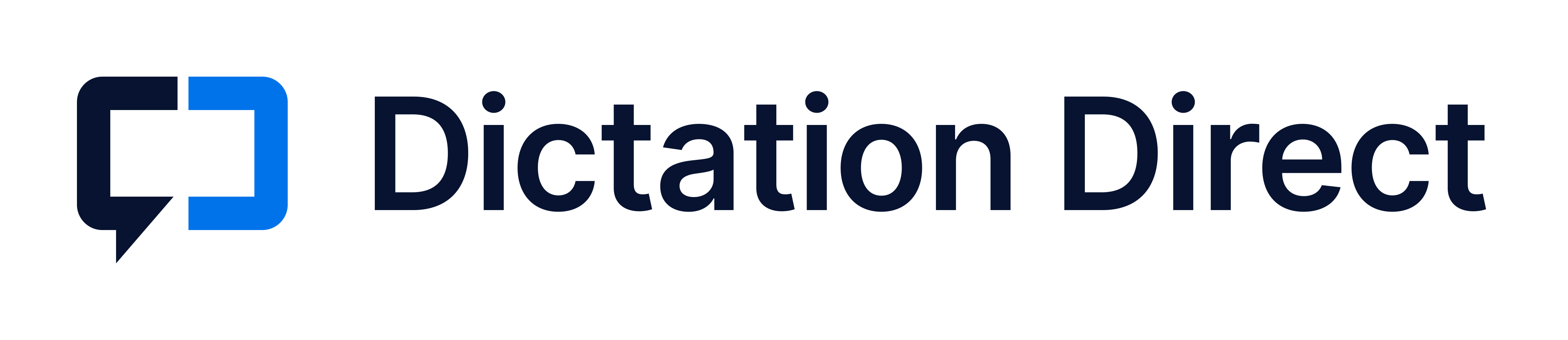
The Dictation Direct logo
The bracket speech bubble with the Dictation Direct wordmark. Use the full color version wherever you can.























Icon
The bracket speech bubble
Use the icon on its own for profile pictures, app icons, and small spaces where the full logo would be too small to read.
































Color
Brand colors
Navy
- HEX
- #071330
- RGB
- 7, 19, 48
Wordmark and left bracket on light backgrounds. Dark section backgrounds.
Brand blue
- HEX
- #0073EA
- RGB
- 0, 115, 234
Right bracket on light backgrounds. Links, buttons, and accents.
Light blue
- HEX
- #4DA3FF
- RGB
- 77, 163, 255
Right bracket on dark backgrounds.
White
- HEX
- #FFFFFF
- RGB
- 255, 255, 255
Wordmark and left bracket on dark backgrounds.
Usage
Using the logo well
The wordmark is set in Inter SemiBold and converted to outlines, so the files work without the font installed.
Do
- Use the full color logo on white or light backgrounds
- Use the reversed logo on navy, dark, or busy photographic backgrounds
- Keep clear space at least the width of the right bracket on every side
- Use the SVG files wherever the software supports them
- Use the icon alone only where space is tight or the brand is already established
Don't
- Recolor, add gradients, or apply filters or effects to the logo
- Stretch, skew, rotate, or rearrange the mark and wordmark
- Place the full color logo on dark or low-contrast backgrounds
- Retype the wordmark in another font
- Show the logo smaller than 120 px wide on screen or the icon smaller than 16 px
Need another format or have a brand question? Contact us